
Spline Mesher - Pro

3.1.4.Vertex Colors

A vertex color is a per-vertex attribute, just like a UV coordinate or normal is. These are pretty much always used in shader-based effects. If this is completely foreign to you, then this tool is of little importance to you.
A dedicated tool allows control over each individual channel (Red/Green/Blue/Alpha). This makes it straightforward to control these sort of shader effects and draw them on specific parts of the mesh.
It can activated through this icon:

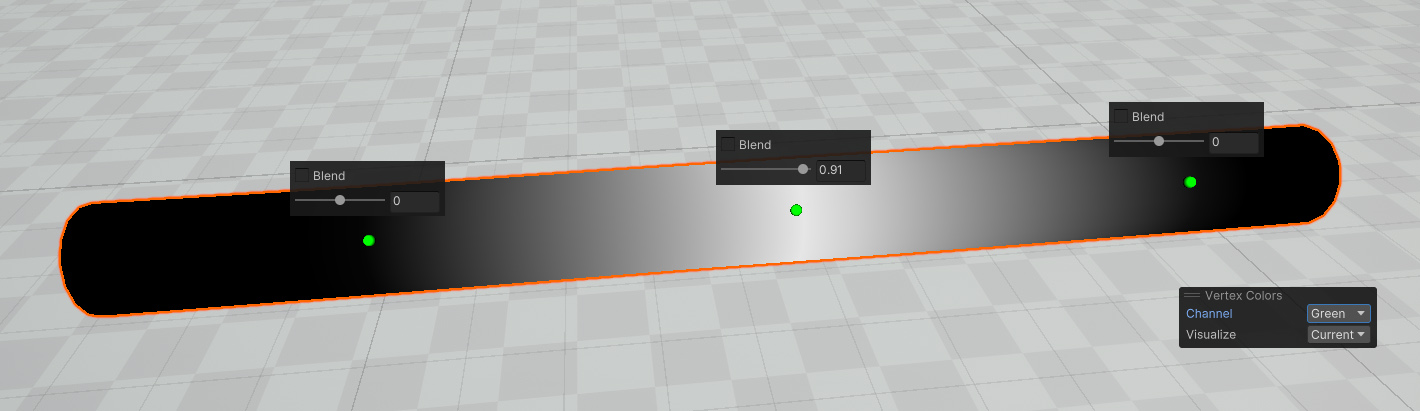
Procedural Gradients
A gradient can be baked into the mesh along the length of the spline and over the width of the mesh. This is to speed up the process of making rivers, tire tracks or path decals.
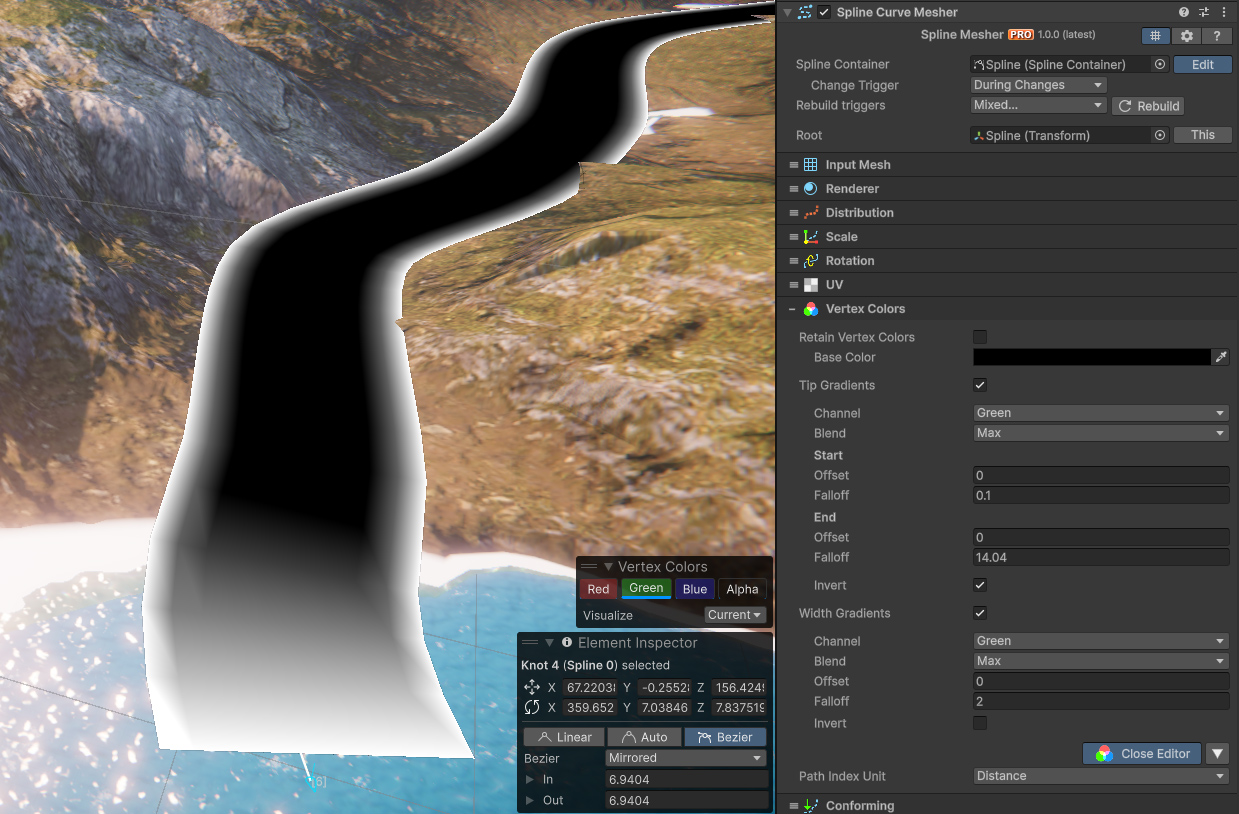
Stylized Water 3
This water shader can make extensive use of vertex colors to alter its Transparency and add localized Surface Foam. Combined with this tool it makes for a viable river tool.
Some notes on recommended usage:
- Use a
Planeinput mesh - Set the base color to Black (including the Alpha to 0)
- In the UV section set the
Stretchoption toU/Y. This ensures textures tile seamlessly along the spline curve. - Use the Green color channel to control transparency
- The Alpha channel for Surface Foam
See the Vertex Color section in the Stylized Water 3 documentation for details on how to enable these features.
 Was this helpful?