
Preview
Documentation is a draft, and is expanded as the package develops.


2.Getting Started

Importing
At all times you must ensure your project is free of any console errors. Unresolved code errors will prevent this asset’s scripts from compiling. This results in all of its functionality remaining unavailable.
Under no circumstances must your project contain a script, without namespace, called “Spline” or “Editor”. This wreaks havoc to no fault of this asset.
These package dependencies will be automatically installed:
- Spline 2.8.3
- Mathematics 1.3.2
- Collections 2.6.2
- Burst 1.8.28
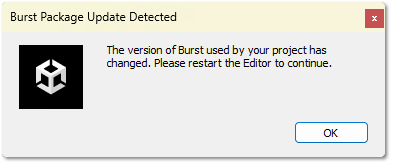
If this dialog pops up, please do restart the editor! It’s required for error-free usage.
Scene Setup
Demo scene
A demo scene is included (Packages/Spline Extensions/_Demo/DemoScene) that demonstrates the usages of all the included components.
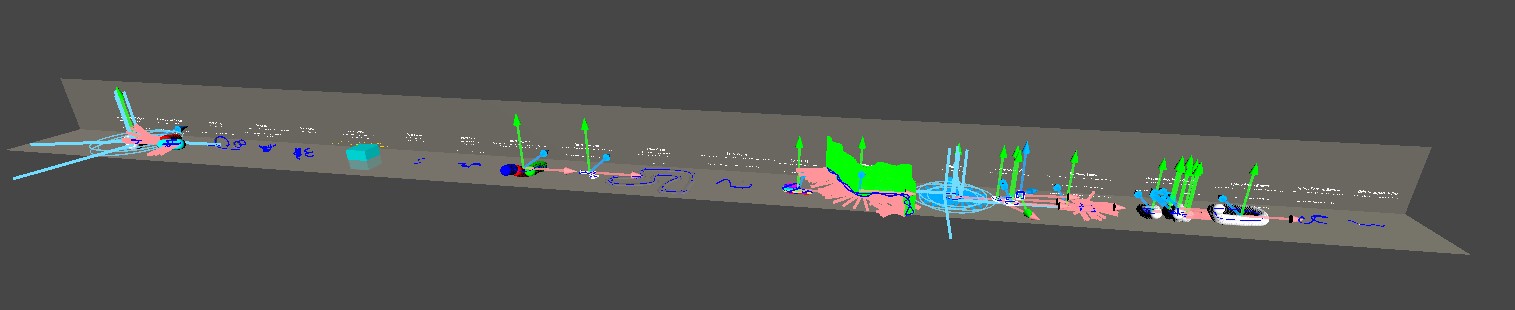
To correctly view this scene, makes sure Gizmos are enabled in your scene view window!
Editor performance will be degraded when viewing this scene, due to the large number of Spline and Debug gizmos!
 Was this helpful?
1 of 1 users found this section helpful
If you're familiar with this asset, please consider leaving a review!
Your support is what makes complementary updates possible!