
Stylized Water 3 - River Modeler (Extension)


2.Getting Started

Base asset
At this point you should already have the Stylized Water 3 asset installed. The River Modeler extension will import directly into its folder. Without this installed first, you’ll be posed with at least one unsolvable console error.
Before importing
Ensure you have the following packages installed through the Package Manager:
- Splines
- Visual Effect Graph
If the asset is imported without these installed demo scene content may have been broken. Reimport the demo scene from the asset store if this is the case (after installing the packages).
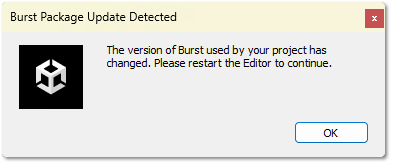
If this dialog pops up, please do restart the editor! It’s required for error-free usage.
Demo scene
The demo scene for this asset is a standalone demo scene.
Go to Window->Stylized Water 3->Hub Window->Demo Scenes to open it.
It is recommended to check this out, as it showcases various effects in context.
 Was this helpful?