
Stylized Water 3 - River Modeler (Extension)


3.4.Scale Tool

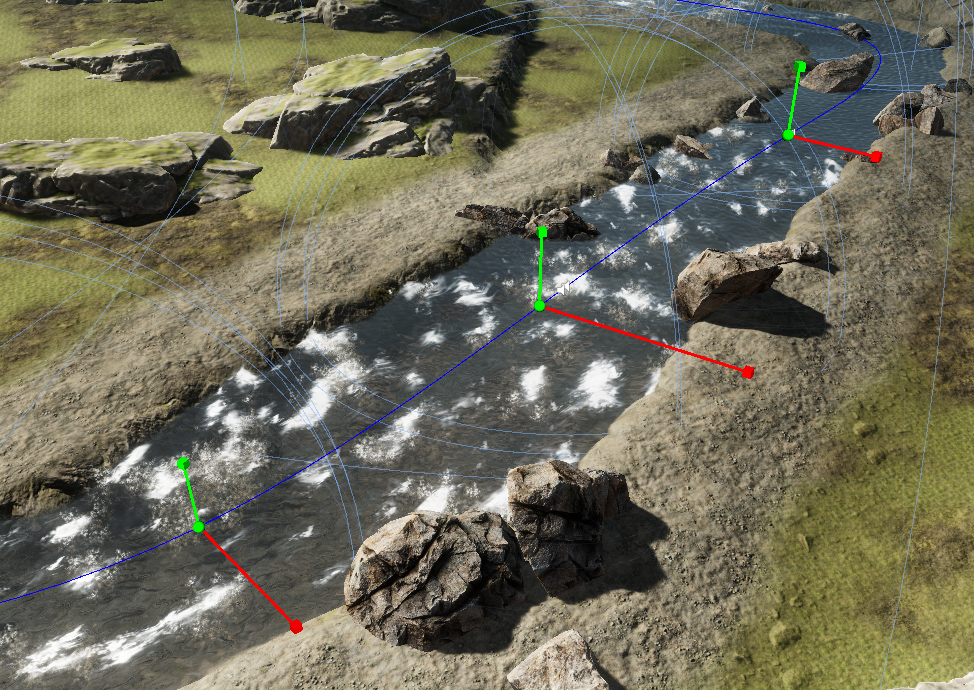
This tool allows data points to be manipulated on the spline. This makes it possible to the Width/Displacement in select areas anywhere on the river.
With a River Modeler component selected, you’ll find the option to enter the spline editor

These nodes contros both the river’s base width, and the displacement effect (scaling it up or down)
 Was this helpful?
0 of 0 users found this section helpful
If you're familiar with this asset, please consider leaving a review!
Your support is what makes complementary updates possible!