
Stylized Grass Shader (Unity 6)
6.Third party integrations

Integrations for third-party renderers are automatically activated. You can find the option to activate specific integration when selecting the grass shader.
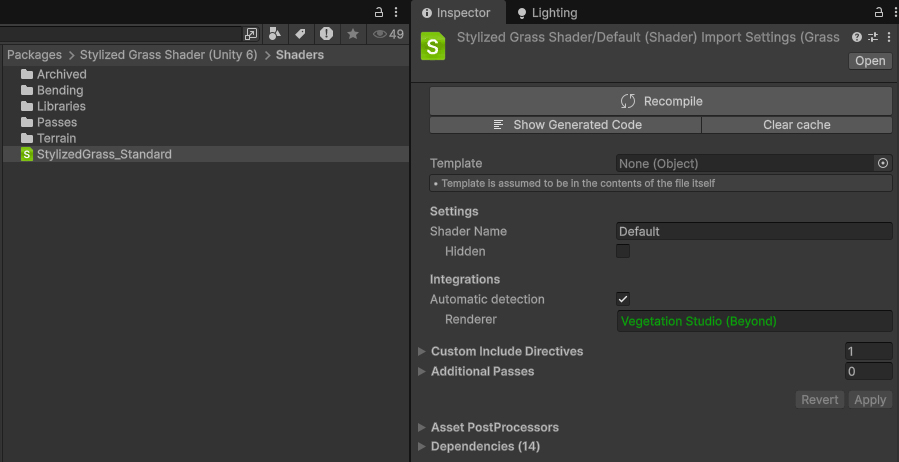
Note that this modifies the grass shader file itself, so it’s not an option on a per-material basis.
The following renderer integrations are available
Weather & wind integrations
Curved World 2020
Support for this integration has retired, due to changes being required to Curved World (requested in November 2024). It is no longer advertised on the store page, but can be manually integrated.
Adding the Curved World feature set to the grass shader requires a manual shader code modification.
Start by opening the Packages/Stylized Grass Shader/Shaders/StylizedGrass_Standard file in a text editor, or your IDE.
And uncomment (remove the leading “//”) these lines:

All set! Options will appear in the material UI under the “Vertices” tab.
 Was this helpful?
0 of 0 users found this section helpful
If you're familiar with this asset, please consider leaving a review!
Your support is what makes complementary updates possible!